
Readwise Reader
Die Read-it-later-App für Power-Reader
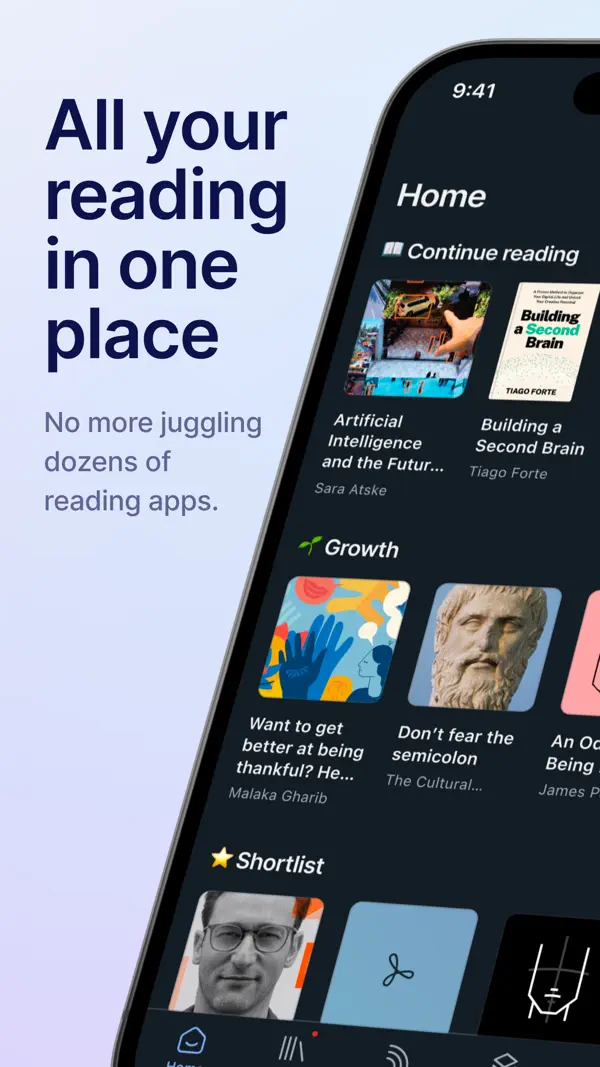
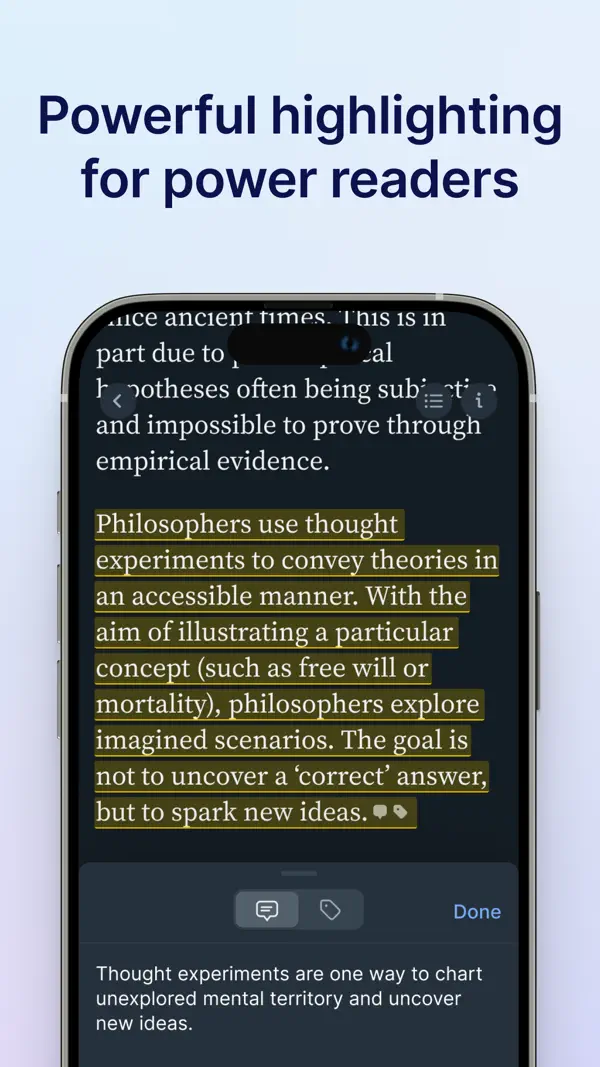
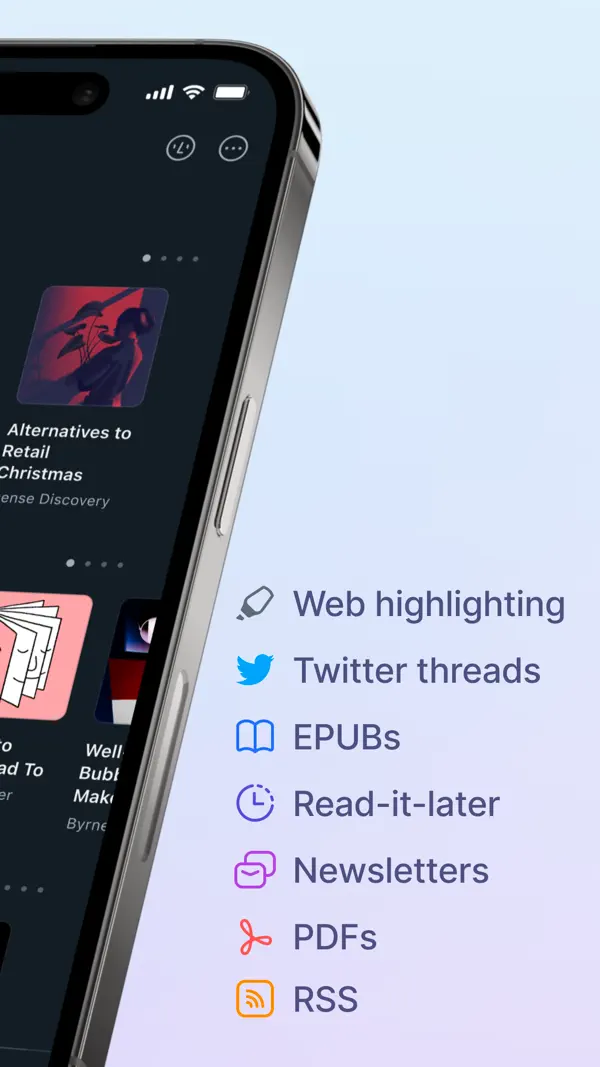
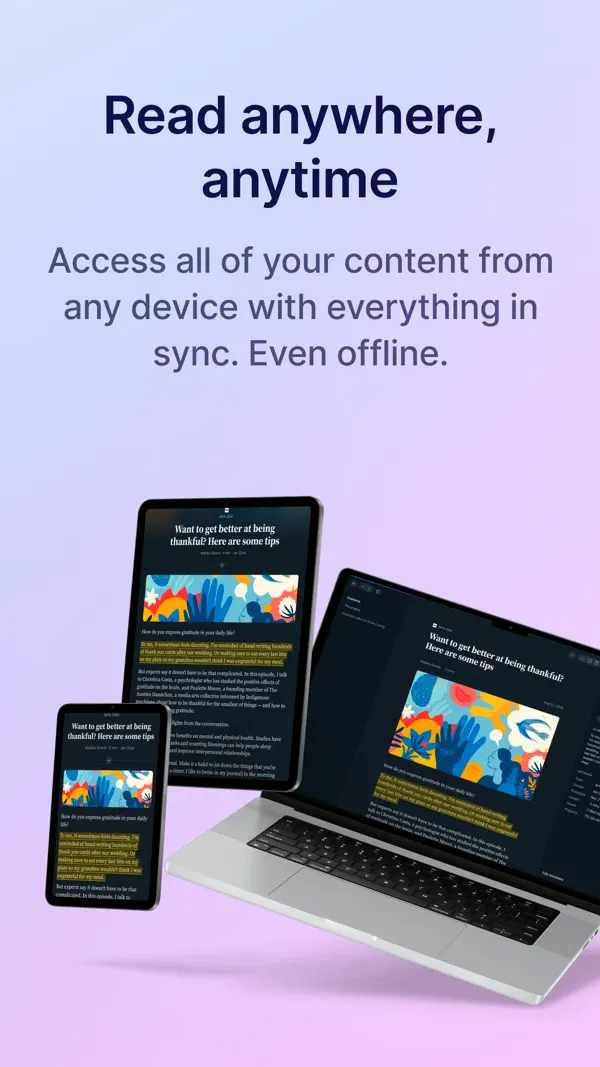
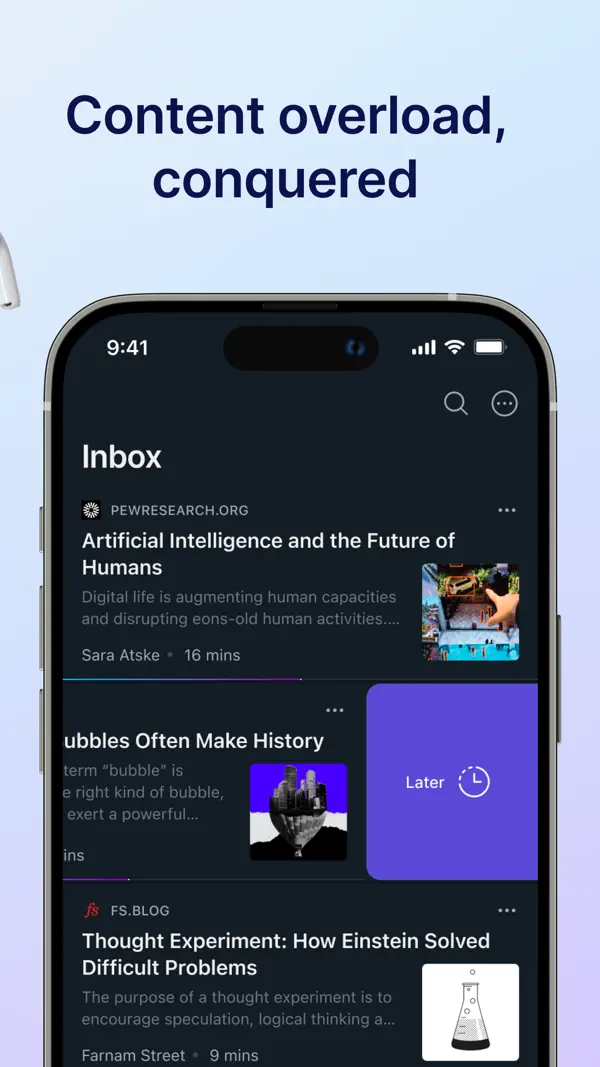
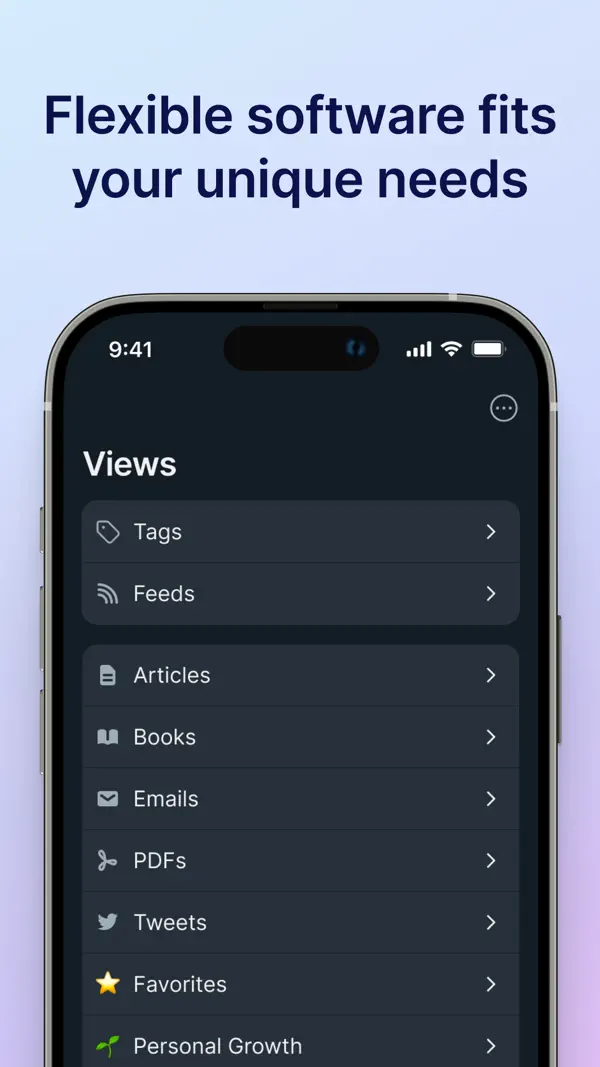
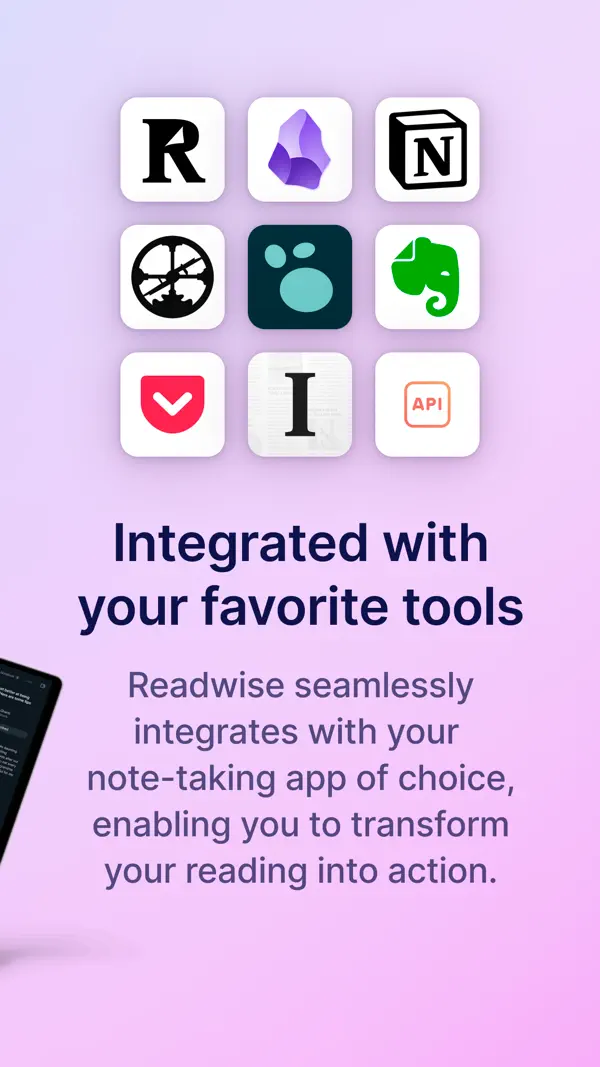
Readwise Reader vereint Web-Artikel, Newsletter, RSS-Feeds, PDFs und EPUBs an einem Ort. Highlights synchronisieren automatisch mit Notiz-Apps wie Obsidian und Notion. Spaced-Repetition hilft, Gelesenes langfristig zu behalten. Die All-in-One-Lösung für alle, die viel lesen.
Das sagen Nutzer
→ StabilDie hilfreichsten 1 der neusten 19 Bewertungen
Basierend auf App Store Rezensionen · Stand: Mai 2026
Preis & Sparen
AboAbo ca. 9 €/Monat (oder ca. 96 €/Jahr) — Readwise Reader für Highlights, RSS und Read-later.
4 In-App-Käufe · 8,49€ – 110,99€
Mit dem Referral-Programm bekommst du 30 Tage kostenlos.
Über den Entwickler
Startup für digitales Lesen und Wissensmanagement. Bekannt für Readwise Reader (Read-it-later-Dienst) und das Highlight-Management-Tool Readwise, das Notizen aus E-Books und Artikeln per Spaced Repetition wiederholt.
Vertrauenswürdigkeit
App-Info
We fixed some bugs where the share sheet would show a login error, and RSS folders were not able to be collapsed/expanded.
Core libraries update — We've updated many of the core libraries that support Reader, which should result in a more native-feeling experience, many fewer bugs, and faster performance!
Previously:
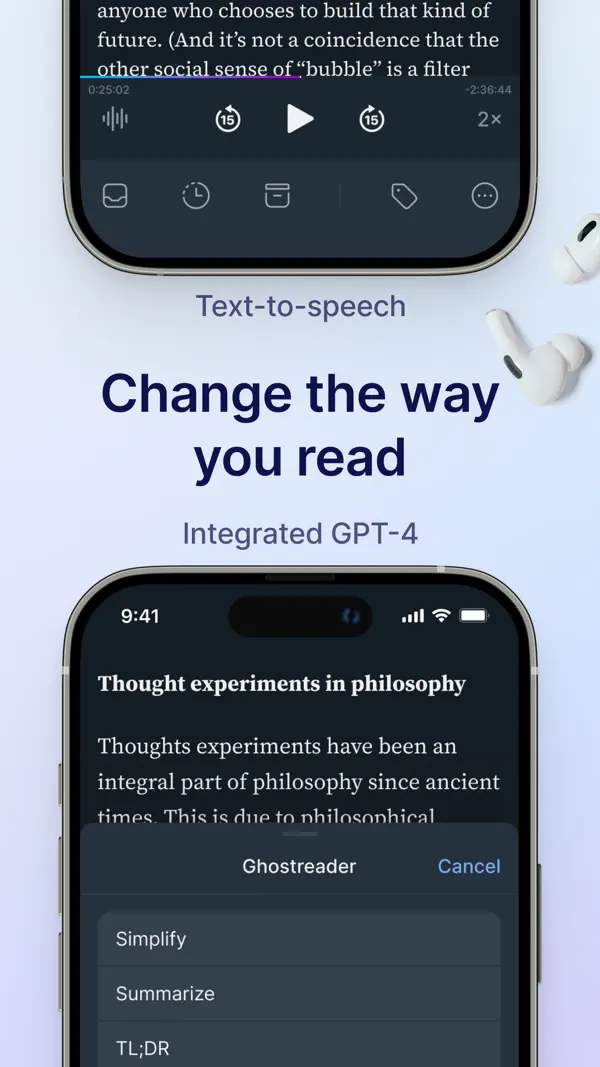
Readwise MCP & CLI — The (new, improved) Readwise MCP server gives Claude, ChatGPT, Cursor, or any MCP-compatible AI direct access to your Readwise highlights, and the full text of all your Reader documents. Once connected, you can ask your AI to search your notes, answer questions using your own reading history as context, or even make changes to your Reader library for you. We also pre-built AI workflows like inbox triage, feed catchup, a custom book review that is aware of related context in your vault, and a quiz mode for testing yourself on recent reads.
GPT-5.4 Support — If you bring your own OpenAI API key for custom Ghostreader prompts, you can now use GPT-5.4.
Improved Reading Progress — Artem and Lior enhanced the reading progress modal for EPUBs to show more detail at a glance. You can now choose between percent, page number, time left in chapter, time left in book, or hidden and each option previews the current value right in the picker.
Restore All from Trash — Mati added a "Restore All" button to the trash view on both web and mobile.
Improved Search Indexing — Piotr fixed an issue where profiles with extremely large documents (like multi-volume epub collections at 50MB+) could cause issues with search indexing. Large document batches are now split by size, so even the biggest libraries should index smoothly.
Fixed Tag Trimming — Adam improved server-side trimming for tag names, so tags created via the API or share extension can no longer end up with trailing spaces.
Modify Action Tags — You can now modify or remove header markers after creating them, and the associated sections and auto-generated tags update to match. As part of this change, Ibai also fixed an issue where .h1/.h2 header action tags and .c1/.c2 concatenation tags could interfere with exports.
Parsing Updates — Mati improved the speed and reliability of our YouTube parsing and fixed a bug where YouTube channel URLs were being treated as individual videos. Krzys improved page fetching on a wide variety of sites. Several engineers worked at fixing a variety of glitches with Twitter/X saving. Piotr fixed an issue where RSS feeds from certain sites were saving broken content instead of the actual feed. Mati fixed an issue where internal marker text was appearing at the bottom of emails in original view mode.
Fixed Highlight Navigation — Tapping highlights in the side panel should now take you to the relevant part of the document.
Podcast Transcripts — share any podcast episode from Apple Podcasts, Spotify, or Overcast into Reader, and it will be saved as a permanent, highlightable transcript.
Sticky Tablet Sidebars — You can now keep sidebars open while using Reader on tablets. In documents, opening the table of contents or notebook sidebar shrinks the reading view, so you can still scroll and highlight text. In your Library and Feed, the sidebar stays open so you can browse documents with the same context you’d see on the web version of the app.
Better Offline Control — Choose which categories of documents to keep available offline from the offline documents section of the Account screen. A new status shows whether a location is currently downloading.
Improved Action Sheets — Action sheets should now float nicely in the center of tablet screens, instead of at the bottom. Using “find in document” and similar options should be easier now.
Our full ePubs v2 feature includes 10x+ better performance on books, a dedicated long-form reading UI, and so much more. Our goal is to have Reader be the best app in the world for reading books (in addition to other formats), and this project is a big step towards that.
Unser Fazit
GutReadwise Reader ist die konsequenteste Antwort auf das Problem des digitalen Lesestaus: Artikel, Newsletter, RSS und PDFs landen an einem Ort, Highlights fließen automatisch in Notiz-Apps wie Obsidian.
Das Abo von zehn Dollar monatlich ist für Vielleser gerechtfertigt. Wer nur gelegentlich liest, wird den Umfang nicht ausschöpfen.
Ratgeber, in denen Readwise Reader genauer thematisiert wird

Häufige Fragen
Was ist Readwise Reader?
Was kostet Readwise Reader?
Was sind die Vorteile von Readwise Reader?
Welche Nachteile hat Readwise Reader?
Wie gut ist Readwise Reader bewertet?
Ähnliche Produktivität-Apps

Grok - KI Assistent
Bester kostenloser KI-Assistent mit Echtzeit-Infos und Bildgenerierung

OCR Scanner - QuickScan
Schneller OCR-Dokumentenscanner mit Texterkennung

one sec | App Zeitlimit Sperre
Verhindert reflexartiges App-Öffnen durch eine kurze Atempause vor Social Media.

2FA Authenticator (2FAS)
Open-Source-Authenticator für Zwei-Faktor-Codes – privat und sicher

Bitwarden
Open-Source-Passwort-Manager — gratis, sicher, auf allen Geräten
Bester kostenloser KI-Assistent mit Echtzeit-Infos und Bildgenerierung
Schneller OCR-Dokumentenscanner mit Texterkennung
Verhindert reflexartiges App-Öffnen durch eine kurze Atempause vor Social Media.
Open-Source-Authenticator für Zwei-Faktor-Codes – privat und sicher
Open-Source-Passwort-Manager — gratis, sicher, auf allen Geräten