
Plex: Watch Live TV and Movies
Persönlicher Medienserver: eigene Filme, Serien und Live-TV überall
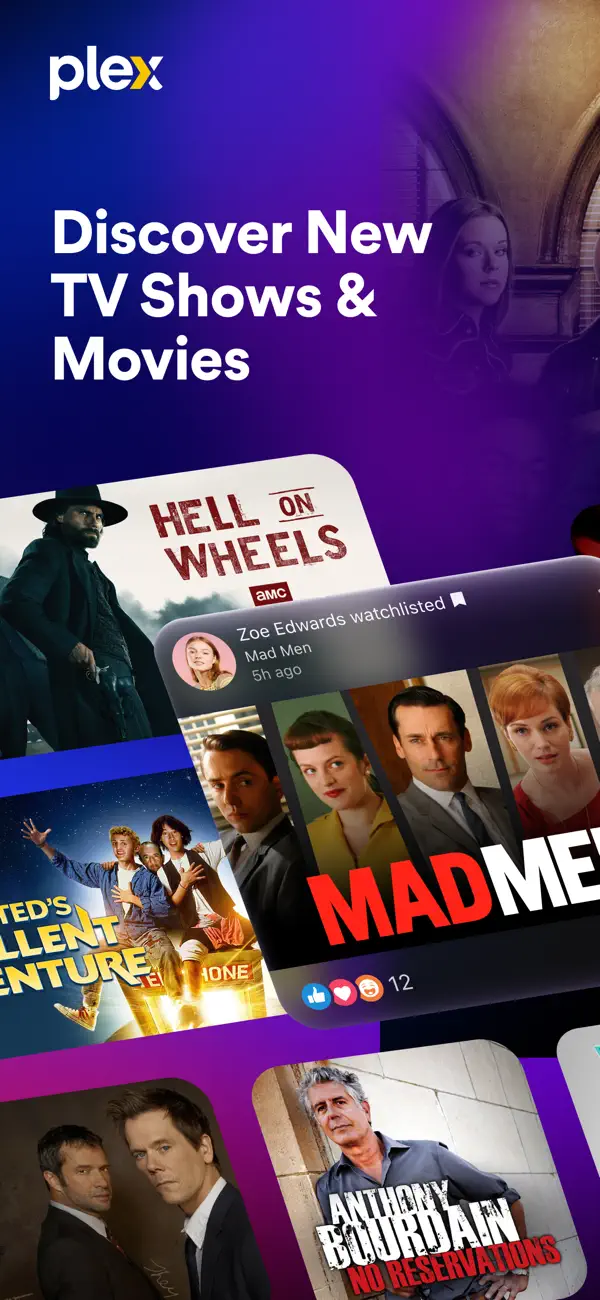
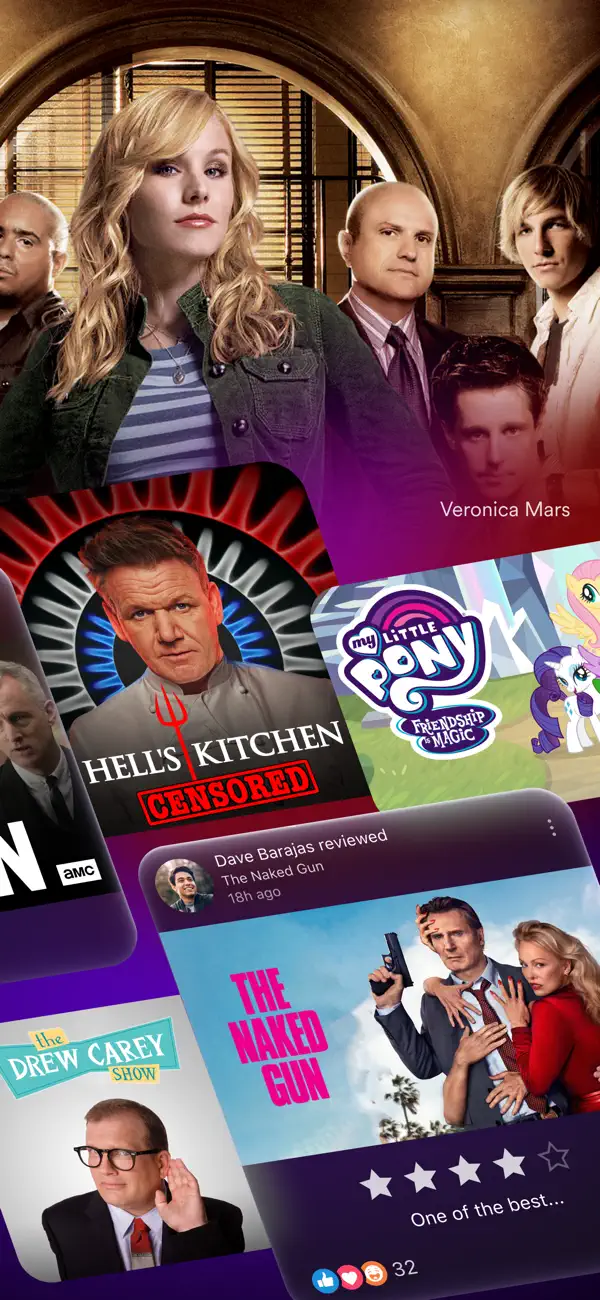
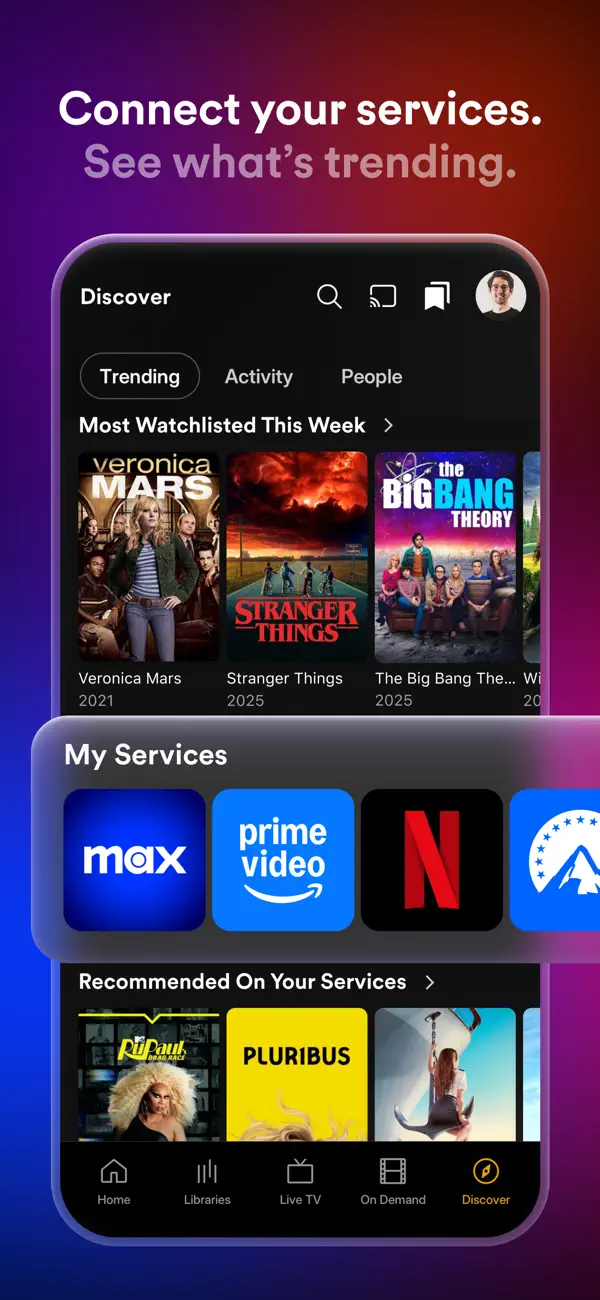
Plex verwandelt einen Heimrechner oder NAS in einen persönlichen Streaming-Server. Die iOS-App streamt dann eigene Filme, Serien und Musiksammlung auf das iPhone – egal ob zu Hause oder unterwegs. Zusätzlich bietet Plex über 100 kostenlose Live-TV-Sender und eine umfangreiche kostenlose VOD-Bibliothek ohne Abo. Das Interface ist elegant und ähnelt Netflix in der Bedienung. Metadaten, Artwork und Beschreibungen werden automatisch geladen. Plex unterstützt praktisch alle Videoformate, Untertitel und AirPlay. Seit 2024 hat Plex Remote-Zugriff auf eigene Bibliotheken nicht mehr kostenlos gemacht – was viele Nutzer verärgert hat. Für das kostenlose Live-TV und VOD ist die App trotzdem empfehlenswert.


Das sagen Nutzer
→ StabilDie hilfreichsten 6 der neusten 49 Bewertungen
Basierend auf App Store Rezensionen · Stand: Mai 2026
Preis & Sparen
FreemiumBasis kostenlos — Plex Pass ca. 5 €/Monat für Offline-Downloads, Live-TV und Mobilzugriff.
6 In-App-Käufe · 1,99€ – 284,99€
Über den Entwickler
Amerikanisches Software- und Streaming-Unternehmen, bekannt für seine Media-Server-Software und den werbefinanzierten Streaming-Dienst. Über 16 Millionen Streaming-Abonnenten weltweit.
Vertrauenswürdigkeit
Datenleck 2022 mit unbefugtem Zugriff auf Nutzerdatenbank (E-Mails, Nutzernamen, gehashte Passwörter) sowie wiederholter Vorfall 2025. Passwort-Resets waren erforderlich.
1 Vorfälle — 1 gering
App-Info
NEW:
- Add dimensions to Edit Artwork screen. Requires wifi and mid or high performance device.
- Live TV: Selecting a channel or airing now directly starts playback rather than take you to the Live TV guide screen first.
- Player: Bring back next / previous buttons.
- Player: support for nerd statistics.
- Show initials as fallback for user profile images that fail to load.
FIXES:
- After creating or duplicating a list, the user would be returned to the lists screen instead of the list details screen.
- Browse screen jumpbars were broken for folder lists.
- Categories screens were broken for personal media.
- Comments can now be 1000 characters in length.
- Crash when swiping through a Carousel hub.
- Fixed a crash on the Discover onboarding screen when the API response is missing UI data.
- Fixed a crash that could occur when a server went offline while downloads were being processed.
- Fixed a crash when clearing downloads before the database has fully initialized.
- Fixed a crash when viewing unmatched library items with no metadata in the server response.
- Fixed download progress tracking crash when server doesn't report file size.
- Fixed playback progress reporting errors during early live TV playback.
- Fixed ultrablur color requests to Luma failing with 401 errors due to missing authentication headers.
- Improve behavior when scrolling scroll All Libraries.
- Improve the UX of activity cards in the activity feed.
- Library filter/sort buttons were misaligned.
- Live TV: Consecutive FAST category deeplinks could navigate to the wrong category.
- Live TV: Deeplinking into a Plex Channels category could show the wrong source's tabs and header.
- Live TV: Selecting the same previous category did nothing
- Managed users now see a specific permission error when attempting to cancel a recording made by a different user.
- Movies in collections could fail to load or show a blank screen while loading.
- Player: Subtitle selection and OSD state now carry over correctly when switching FAST channels.
- Playlist favorite libraries were not re-orderable on mobile.
- Skeletons were sometimes showing the incorrect number of titles/subtitles on browse screens.
- Smoother background color transitions when navigating between items.
- Some filters were not being applied correctly on personal media browse screens.
- The activity comment input field would not allow entry of more than the maximum number of characters. The limit is still enforced when submitting the comment.
- The navigation did not properly reflect the selected tab when opening a deeplink to a watchlist tab.
- The navigation tabs could appear slightly scrolled when first loading a screen.
- Use title instead of language on stream selectors.
- l.plex.tv deeplinks failed to open when automatic sign in was disabled.
Unser Fazit
OkayPlex ist die beste Lösung, wenn man bereits eine eigene Mediensammlung auf einem Heimserver oder NAS betreibt.
Aktuelle Bewertungen zeigen Frust über die Einführung von Plex Pass für Remote-Zugriff, was früher kostenlos war. Wer diesen Kompromiss akzeptiert, bekommt das eleganteste Interface für selbst gehostete Medien.
Häufige Fragen
Was ist Plex: Watch Live TV and Movies?
Ist Plex: Watch Live TV and Movies kostenlos?
Was sind die Vorteile von Plex: Watch Live TV and Movies?
Welche Nachteile hat Plex: Watch Live TV and Movies?
Ist Plex: Watch Live TV and Movies vertrauenswürdig?
Die besten Alternativen für Plex: Watch Live TV and Movies

Infuse 7
Video-Player für alle Formate — streamt von NAS, Plex und Cloud

MUBI: Streame großartiges Kino
Handverlesenes Arthouse-Kino im Abo – Apple TV App of the Year 2023

Netflix
Streaming-Dienst für Serien, Filme und Dokus

Crunchyroll
Die größte Anime-Streaming-Plattform

waipu.tv - Live TV Streaming
Live-TV und Mediatheken in einer App — Made in Germany
Video-Player für alle Formate — streamt von NAS, Plex und Cloud
Handverlesenes Arthouse-Kino im Abo – Apple TV App of the Year 2023
Streaming-Dienst für Serien, Filme und Dokus
Die größte Anime-Streaming-Plattform
Live-TV und Mediatheken in einer App — Made in Germany