
mood.camera
Kamera-App mit Film-Charakter — kein Editing, nur Seele
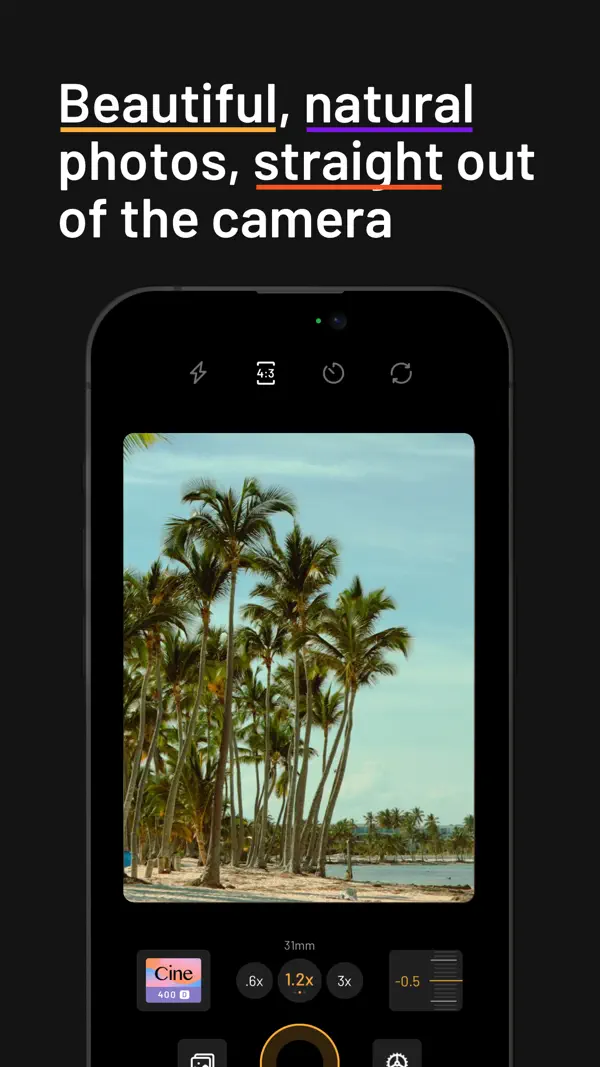
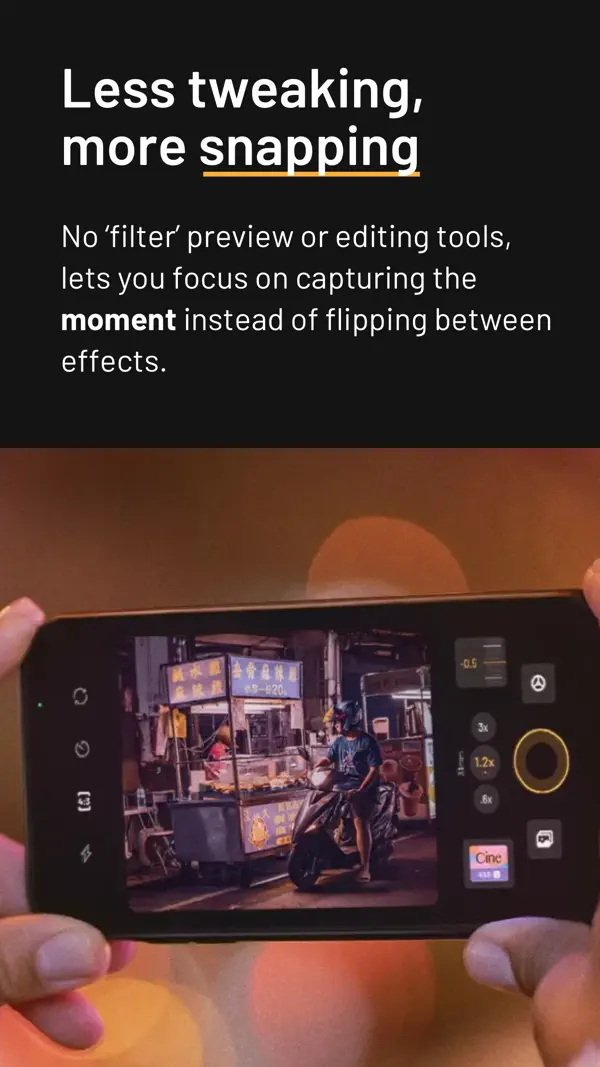
mood.camera ist eine Point-and-Shoot-Kamera, die bewusst auf Live-Filter und Bearbeitungstools verzichtet. Stattdessen gibt es 14 handgefertigte Film-Emulationen mit echtem Korn, Farbtiefe und cineastischem Look – direkt aus der Kamera. Die New York Times schrieb: "This Camera App Gives Your iPhone Photos Soul."



Das sagen Nutzer
→ UnverändertDie hilfreichsten 6 der neusten 49 Bewertungen
Basierend auf Rezensionen aus dem App Store · Stand: August 2026
Preis & Sparen
Freemium7 Tage kostenlos testen, danach bleibt nur der "Random"-Modus gratis. Die Vollversion mit allen 14 Film-Emulationen gibt es per Monatsabo oder Einmalkauf (Lifetime). Keine Werbung.
3 In-App-Käufe · 1,99€ – 17,99€
Über den Entwickler
Indie-Entwickler der Film-Emulations-Kamera-App mood.camera, die das Gefühl analoger Fotografie auf das iPhone bringt. Die App wurde von TechCrunch, PetaPixel und der New York Times gelobt.
Vertrauenswürdigkeit
App-Info
Add 24MP support for the iPhone 17e.
Unser Fazit
Sehr gutmood.camera ist für alle, die aufgehört haben, ihre iPhone-Fotos zu genießen – weil sie zu viel Zeit mit Filtern und Bearbeitung verbracht haben.
Die App zwingt einen, im Moment zu sein. Der NYT-Hype ist berechtigt.
Häufige Fragen
Was ist mood.camera?
Ist mood.camera kostenlos?
Was sind die Vorteile von mood.camera?
Welche Nachteile hat mood.camera?
Wie gut ist mood.camera bewertet?
Die besten Alternativen für mood.camera

TouchRetouch: Foto bearbeiten
Entfernt unerwünschte Objekte aus Fotos per Fingerwisch

Darkroom: Photo & Video Editor
Professionelle Foto- und Videobearbeitung

Bazaart: KI-Foto-Video-Editor
KI-Foto-Editor mit automatischer Hintergrundentfernung

Adobe Lightroom: Photo Editor
Professionelle Fotobearbeitung mit Cloud-Sync

Snapseed
Kostenloser Profi-Fotoeditor von Google
Entfernt unerwünschte Objekte aus Fotos per Fingerwisch
Professionelle Foto- und Videobearbeitung
KI-Foto-Editor mit automatischer Hintergrundentfernung
Professionelle Fotobearbeitung mit Cloud-Sync
Kostenloser Profi-Fotoeditor von Google