Albums: Music Library Player
Deine Apple Music Bibliothek als Cover-Galerie – mit Stats, CarPlay und Widgets
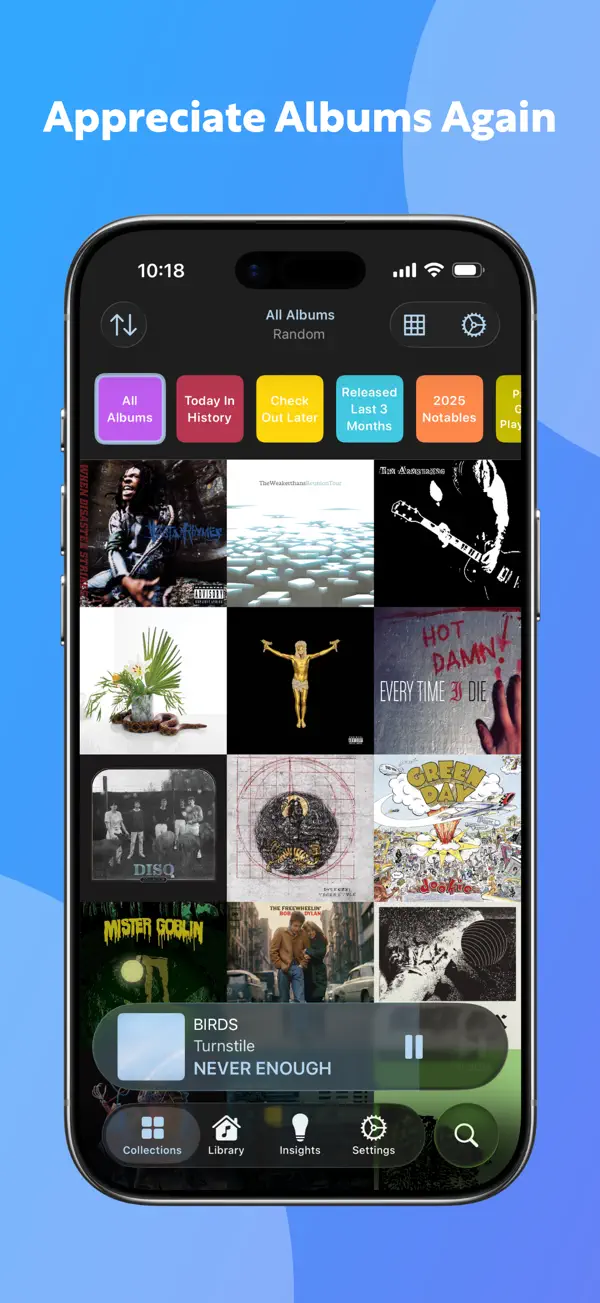
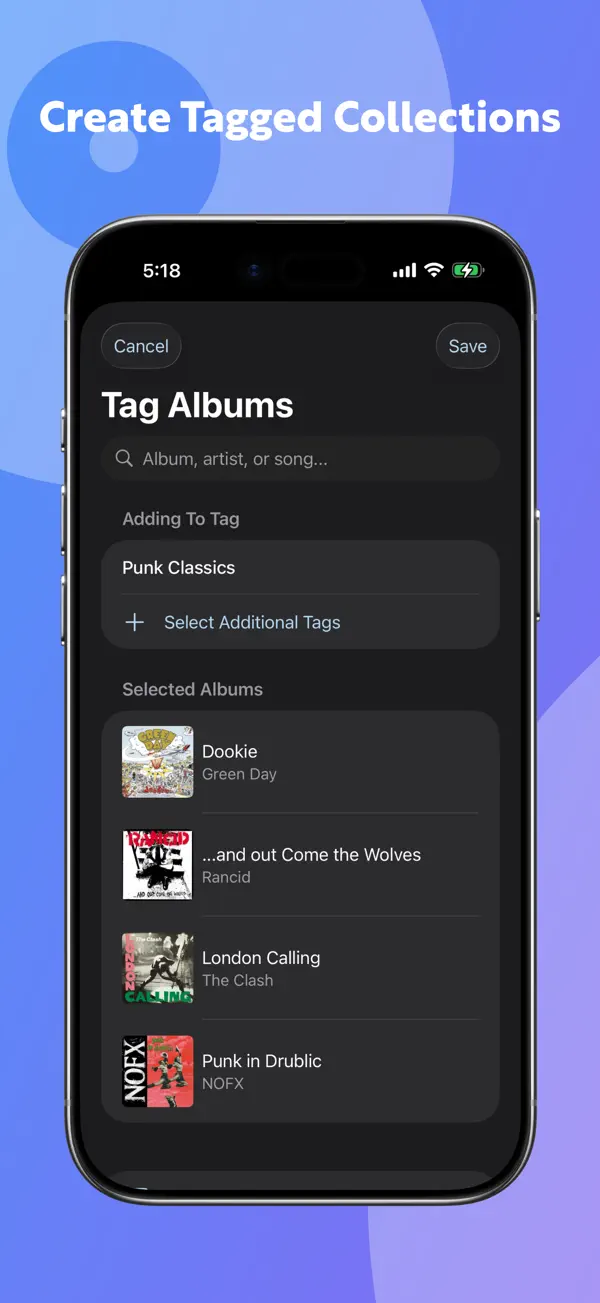
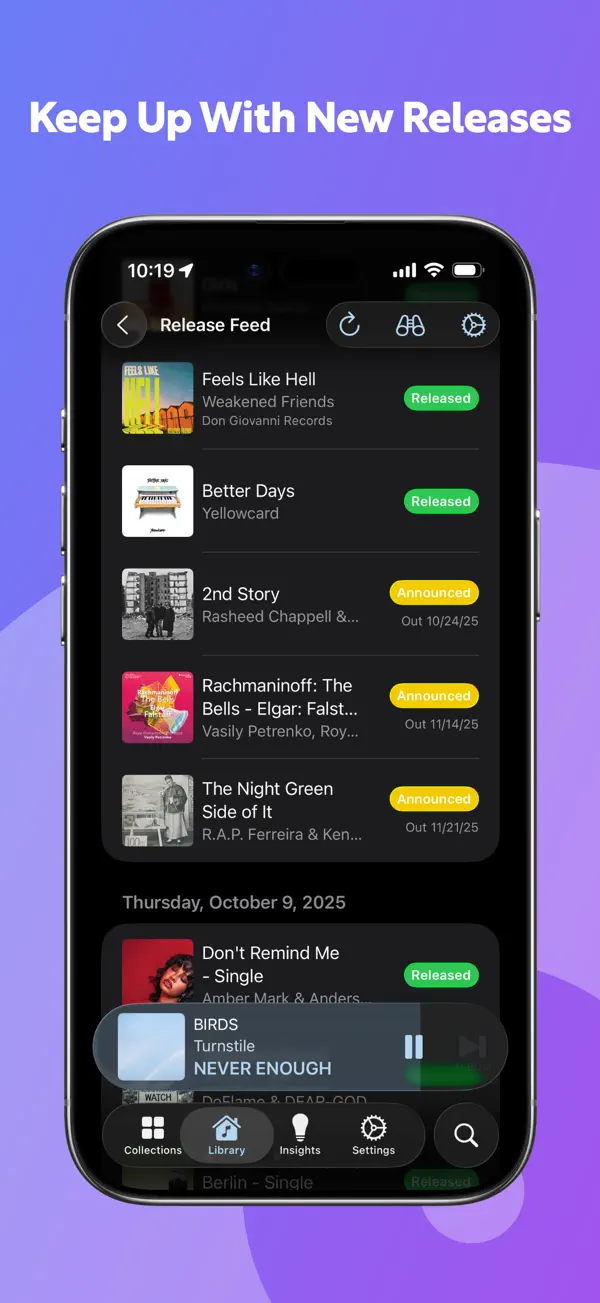
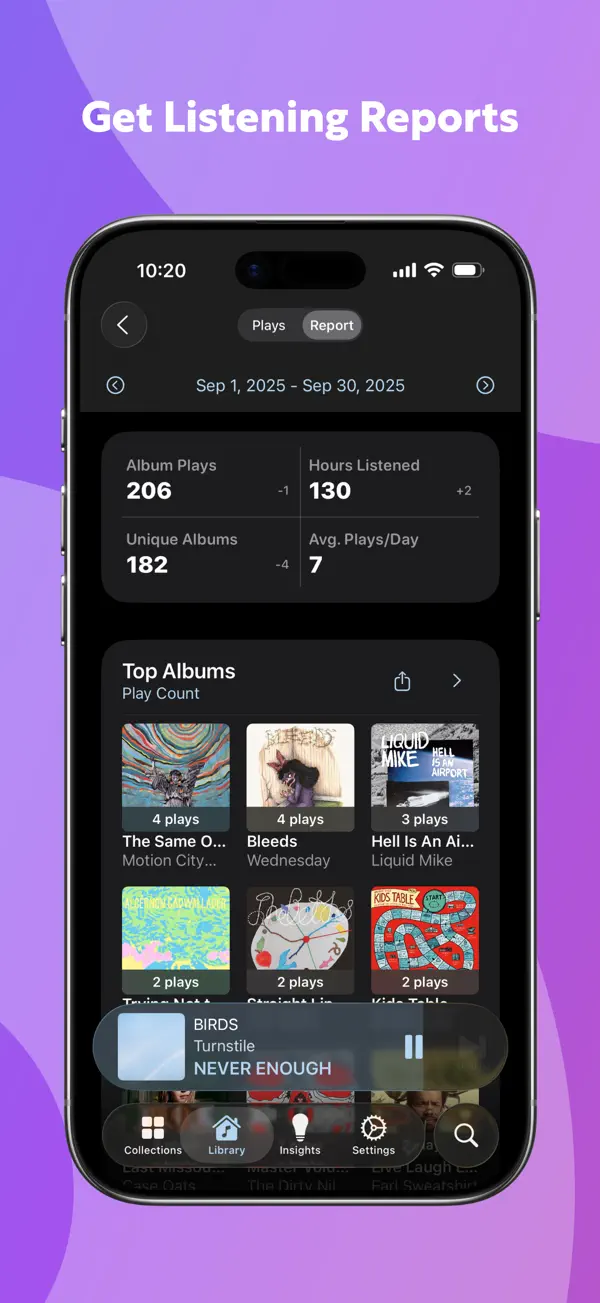
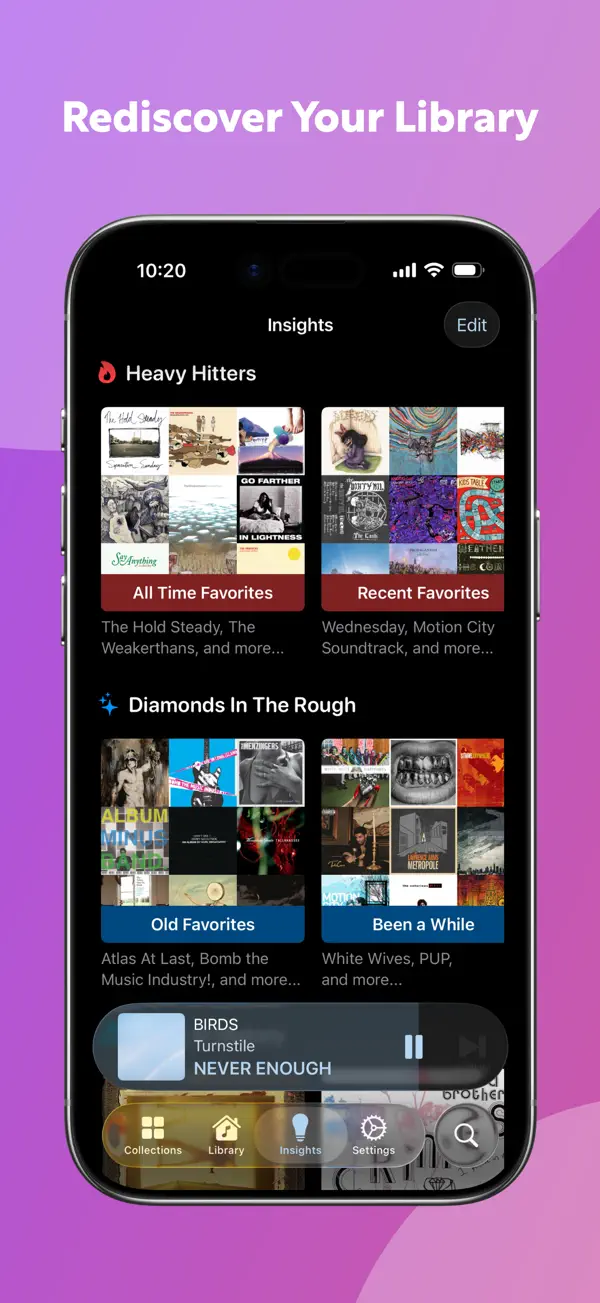
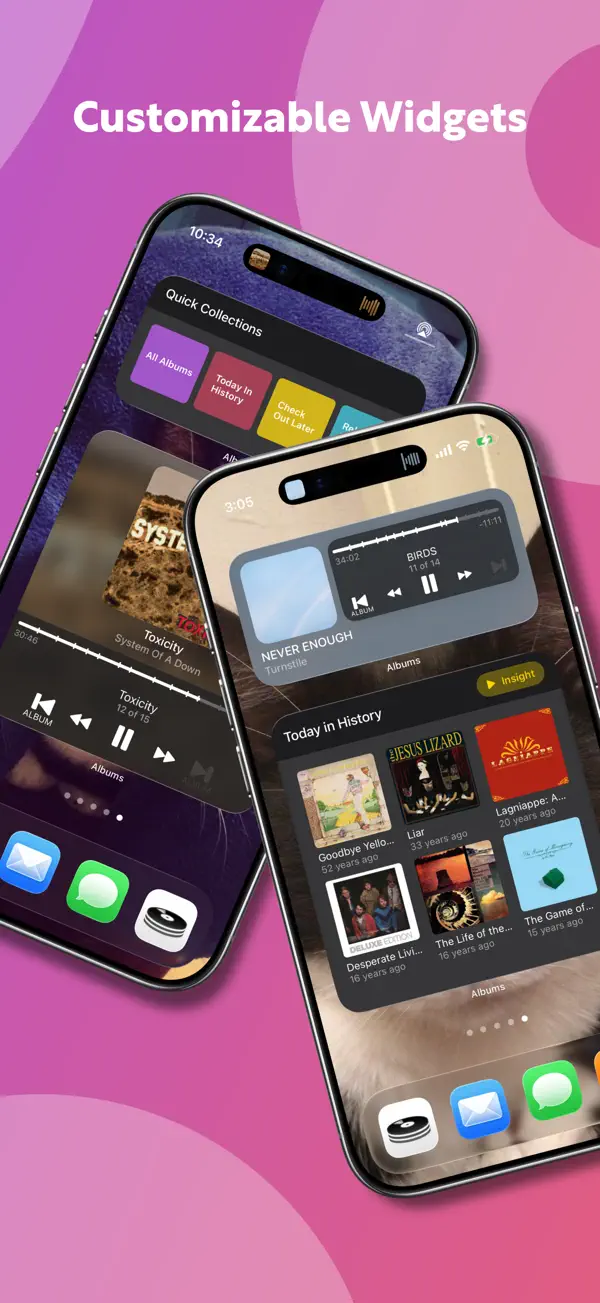
Albums verwandelt deine Apple Music Bibliothek in eine schöne Album-Galerie. Statt Playlists stehen Alben im Vordergrund – wie durch eine Vinyl-Sammlung blättern. Die App zeigt Cover in einem großen Grid, bietet detaillierte Hörstatistiken und lässt sich über CarPlay und Widgets steuern. Eine kostenlose Basisversion reicht zum Ausprobieren; Albums Premium schaltet Last.fm-Scrobbling, tiefe Höreranalysen und eigene Sammlungen frei.
Das sagen Nutzer
→ StabilDie hilfreichsten 1 der neusten 29 Bewertungen
Basierend auf App Store Rezensionen · Stand: Mai 2026
Preis & Sparen
KostenlosKostenlos mit optionalem Albums Premium — Basis-Galerie, CarPlay und Widgets sind gratis. Premium schaltet detaillierte Hörstatistiken, Last.fm-Scrobbling und erweiterte Filter-Sammlungen frei. Kein Abo-Zwang, die App ist vollwertig kostenlos nutzbar.
Über den Entwickler
Indie-Entwickler und Data Engineer, bekannt für Albums – einen albumfokussierten Apple Music Client für iOS/iPadOS. Gestartet 2019 als Lernprojekt, gewachsen zu einem vollwertigen Music Relationship Manager.
Vertrauenswürdigkeit
App-Info
Features:
- If you’ve set a custom start or end time for a song, that custom duration will now be reflected in the app (26.4+)
- The Now Playing scrubber now switches to song mode when hovering over it with the mouse (iPad/Mac only)
- The new stacked graph types are now available in Listening Reports and the Library -> Statistics page
Fixes:
- Fixed an issue where artwork from a different edition of an album (or less likely, an incorrect album) could load at smaller sizes
- Improved performance around artwork caching
- Fixed an edge case where a library album could show up in the app with an incorrect name
- Fixed an issue where track play counts could show an inflated number in certain situations
- Fixed an issue where some built-in playlists might not show up in the app
- The queue now respects your collapsed vs. expanding preference — if you close the tracklist of the now playing album, next time you launch the queue, it will launch with the current album collapsed rather than expanded
- Fixed an issue where tapping a blank space in the Collections widget would show an error in app
- Fixed an issue where you couldn’t change the sort order of a Quick Collection based on an Insight Collection
- Fixed an issue where the app could crash if you tried to tag an album after editing its settings on the Album Settings screen
- Fixed an issue where the Mac app could show the wrong now playing information due to a race condition
- Fixed various issues where the app could crash or hang after interacting with a very large playlist
- Fixed an issue in macOS 26.4 where a resumed track could start over
- Fixed an ancient bug where an album in the Recent Searches list on the Search page might not show its artist name if the search was originally on a different device
- Fixed some cloud sync and art fetching edge cases
- Fixed an issue where Insight Collections may fail to generate and show placeholder text
- Fixed (pretty sure!) an ancient issue where the iPad app might crash when showing/hiding the sidebar when in a collection
Unser Fazit
GutKaum bekannt, aber Albums ist die schönste Art, die eigene Apple Music Bibliothek zu erleben – wer noch echte Alben hört statt nur Playlists, wird das Cover-Grid lieben.
Die App setzt bewusst auf das Album als Kunstwerk statt auf den schnellen Song-Skip. Ohne eigene Bibliothek ist der Nutzen allerdings sehr begrenzt.
Ratgeber, in denen Albums: Music Library Player genauer thematisiert wird

Häufige Fragen
Was ist Albums: Music Library Player?
Ist Albums: Music Library Player kostenlos?
Was sind die Vorteile von Albums: Music Library Player?
Welche Nachteile hat Albums: Music Library Player?
Wie gut ist Albums: Music Library Player bewertet?
Ähnliche Musik-Apps

Suno - Musik Machen mit KI
KI-Musikstudio: Songs aus Text, Stimme oder Foto erstellen

Akkorde & Tuner: Guitar Wiz
Akkordlexikon, Stimmgerät und Übungscoach mit voller VoiceOver-Führung

Ultimate Guitar: Chords & Tabs
Die größte Akkorde- und Tabs-Bibliothek für Gitarristen und Bassisten.

SoundHound
Musikerkennung, die auch Summen und Singen versteht

Audials Play - Radio & Podcast
110.000 Radiosender und Podcasts weltweit — werbefrei, auch offline
KI-Musikstudio: Songs aus Text, Stimme oder Foto erstellen
Akkordlexikon, Stimmgerät und Übungscoach mit voller VoiceOver-Führung
Die größte Akkorde- und Tabs-Bibliothek für Gitarristen und Bassisten.
Musikerkennung, die auch Summen und Singen versteht
110.000 Radiosender und Podcasts weltweit — werbefrei, auch offline